The offline desktop workspace,
built for deep solo work.
Writing, tasks, and your calendar unified in one encrypted local app. Zero plugins, zero cloud lock-in, zero subscriptions.

Your notes stay encrypted and offline on your own drive.
Built on Rust for low fan noise and better battery life.
Block-based editor, task boards, and calendar built to work out of the box.
Control where and when you want to see your tasks and calendar.
Productivity tools should work with you, not against you.
Most people lose hours every week juggling disconnected apps, maintaining fragile setups, and waiting on sluggish cloud software.
Constant Window-Switching
Your notes live in one app, your tasks in another, and your deadlines in a third. Every time you jump between windows to see what's next, you lose focus, and your to-do list quietly goes stale.
In Aethel:A split-view workspace lets you keep docs, task boards, and your calendar open side by side in one window, so your tasks stay connected to what you're writing.
Tinkering Instead of Finishing
Some apps force you to babysit fragile community plugins that break after updates; others pull you into endlessly tweaking templates and databases instead of doing the work you sat down for.
In Aethel:Everything is built to work together from minute one. Open the app and get straight to work, no plugins to maintain, no setup tax.
Slow Apps & Paid Sync Walls
Heavy, browser-based workspaces chew through your RAM and battery, then lock your own files behind a monthly subscription just to sync them across devices.
In Aethel:A fast native desktop app you buy once. Keep your encrypted files strictly offline, or sync them effortlessly using the cloud storage you already pay for.
Built around how you actually finish work.
One calm desktop window for writing, tracking, and finding, ready out of the box.
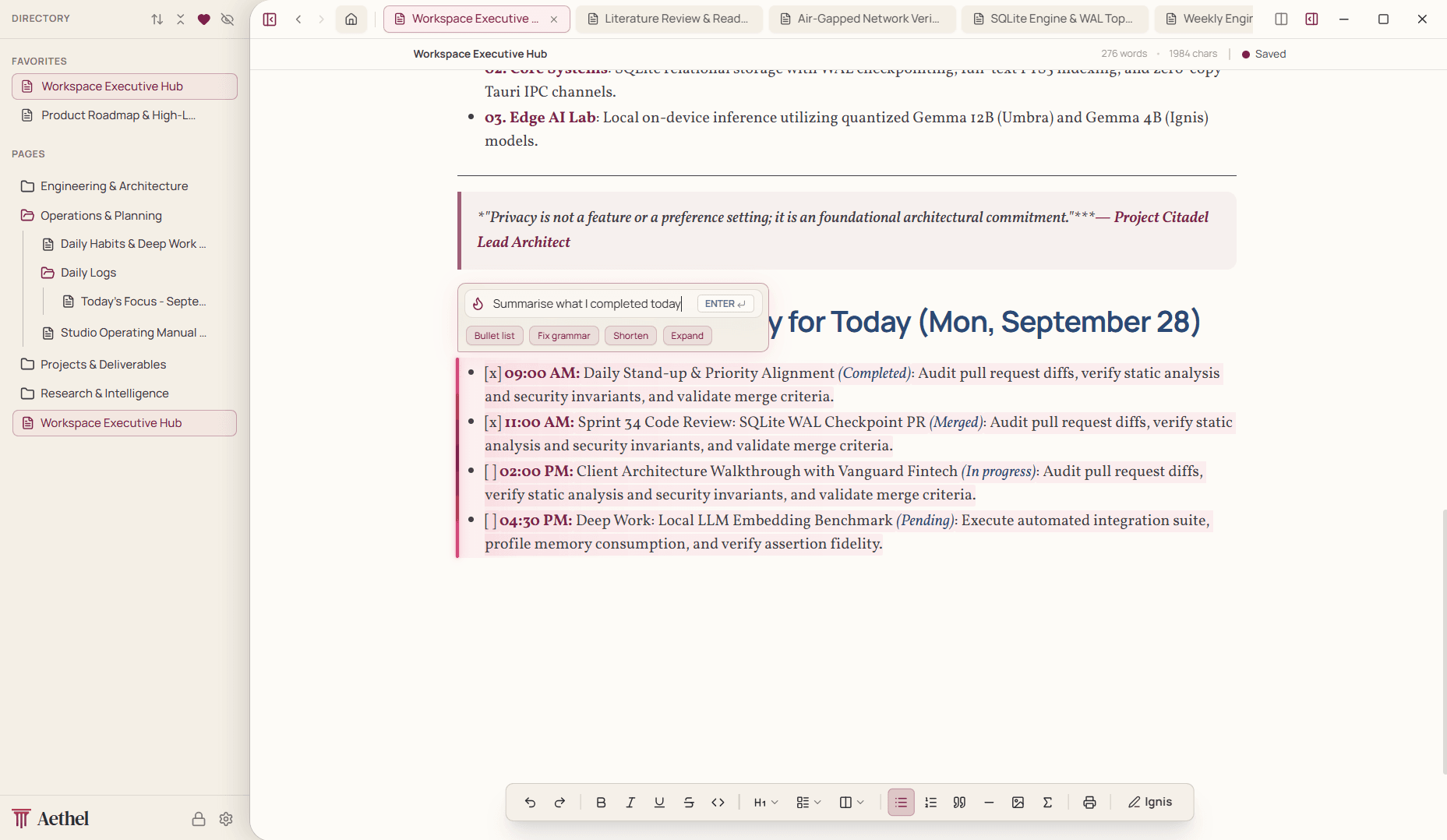
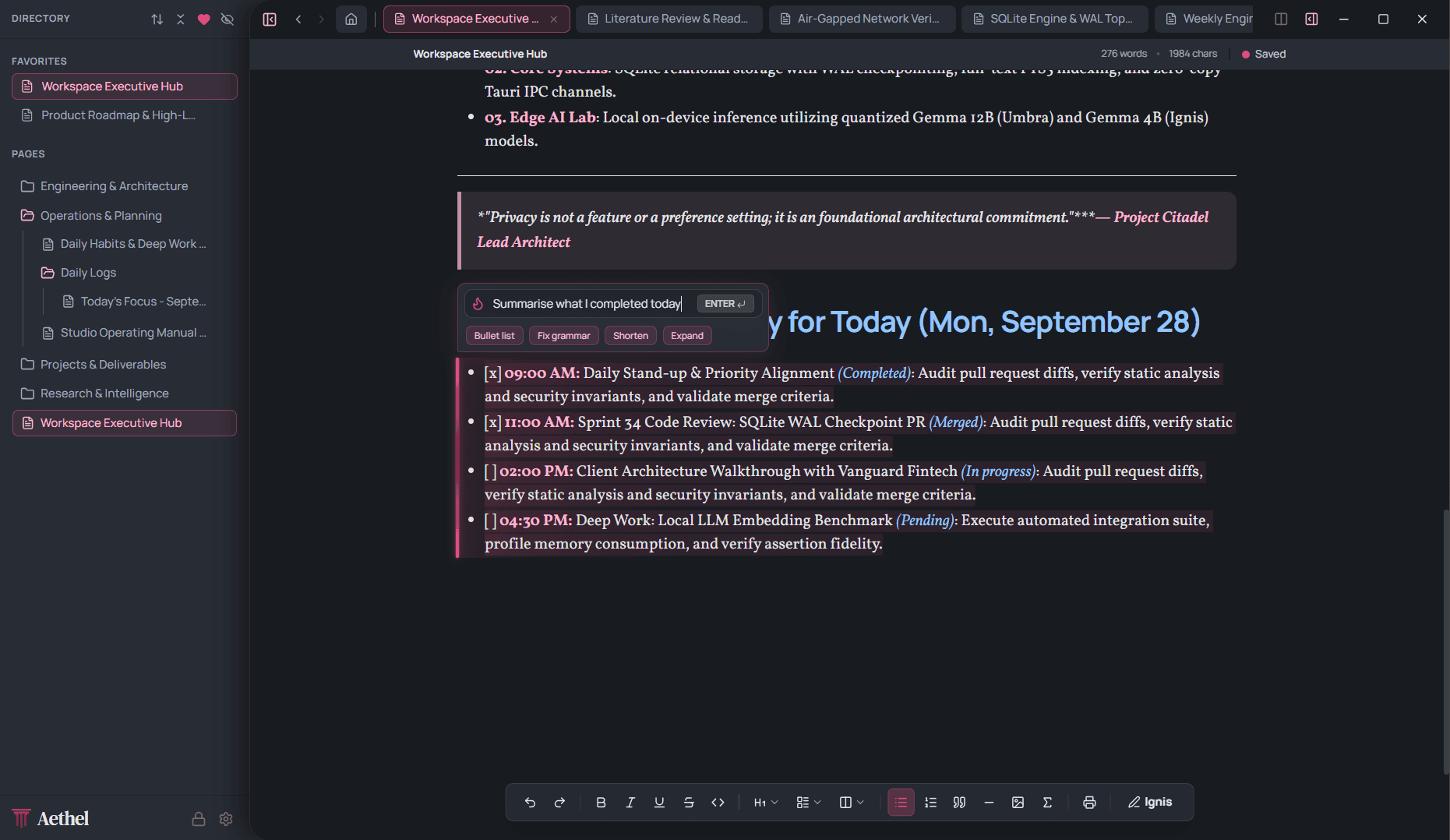
Write fast, with real visual blocks
Plain text falls apart the moment you need a table, and cloud editors feel sluggish and click-heavy. Aethel gives you a fast block editor that responds to the Markdown shortcuts your fingers already know.
- Markdown muscle memory: Format headings, checklists, and quotes without lifting your hands (
#,- [ ],>). - Visual blocks on demand: Type
/to drop in clean tables, callouts, or embedded images. - Effortless page linking: Connect related notes, or specific headings, with
[[.
Turn notes into tasks without leaving the page
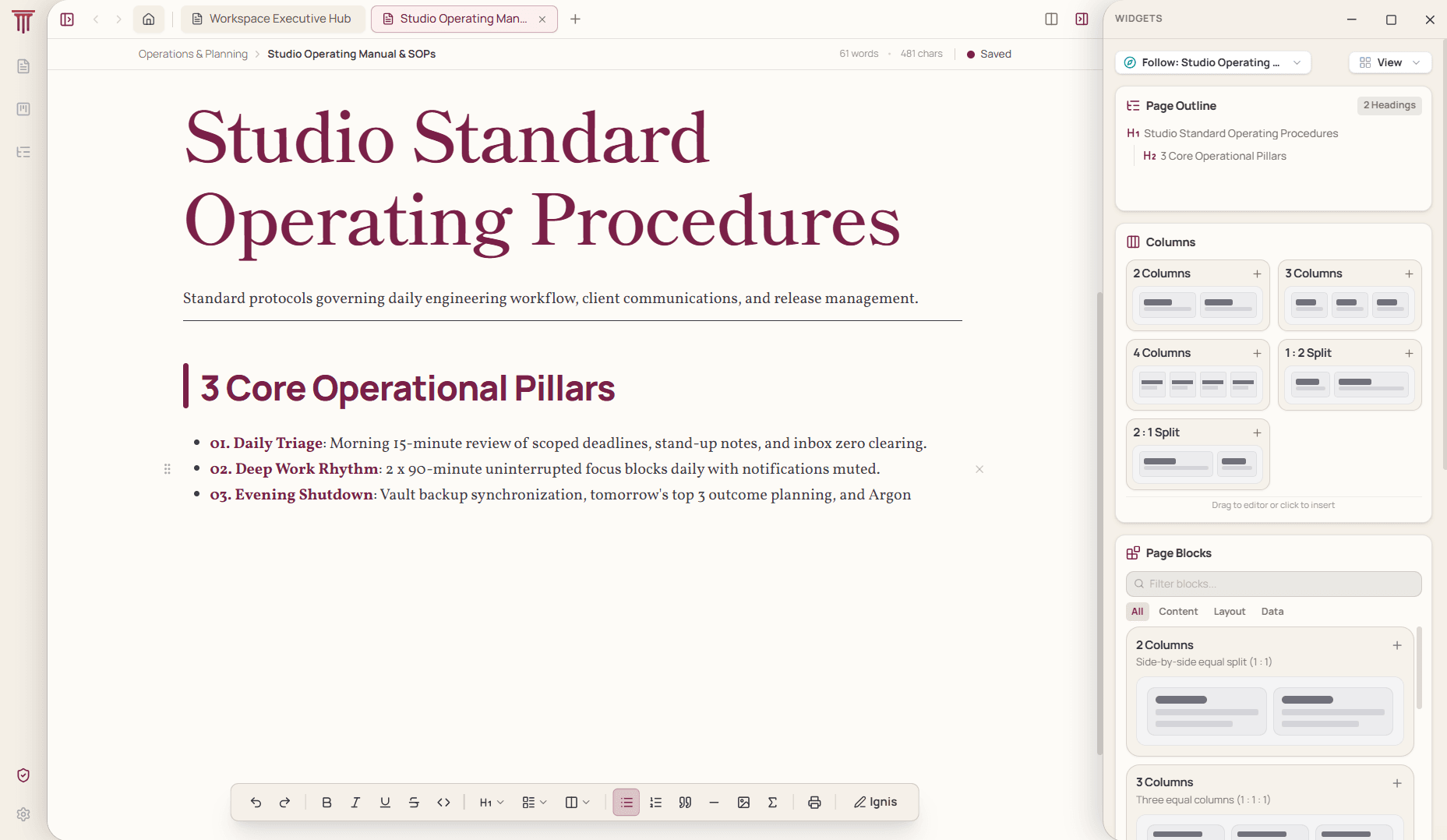
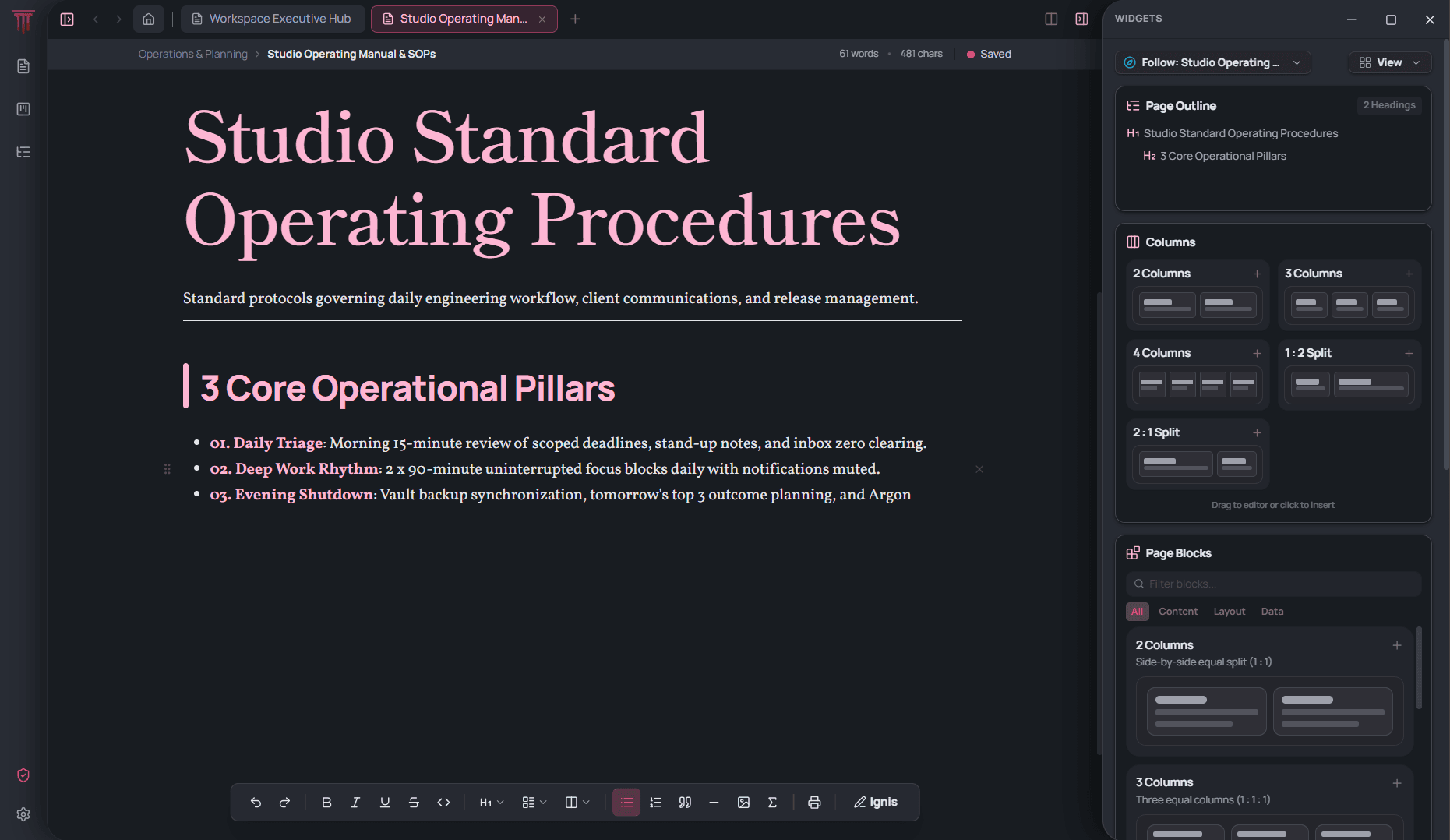
Keep your active draft open beside your Kanban board, calendar, or adaptive Tools panel in one split-view window. Type @ mid-sentence to schedule a task or deadline, check it off anywhere, and the original note updates automatically.
- Inline
@tasks: Attach deadlines right inside your writing without breaking flow. - Always in sync: Check off a task in Tools, Kanban, or Calendar and the source note updates live.
- Flexible split panes: Arrange docs, boards, and schedules side by side in a single window.
Retrieve anything in two keystrokes
Notes shouldn't disappear into nested folders you never open again. Press Ctrl+K (or Cmd+K) anywhere in your Workspace to jump straight to a page, heading, or upcoming deadline without touching your mouse.
- Simple symbol filters: Narrow results with
@for tasks,#for tags,&for headings, or[[for pages. - Project or global scope: Search just your active project folder, or scan your entire Workspace at once.
- Act from the keyboard: Complete tasks, jump to headings, or open pages in a split pane instantly.
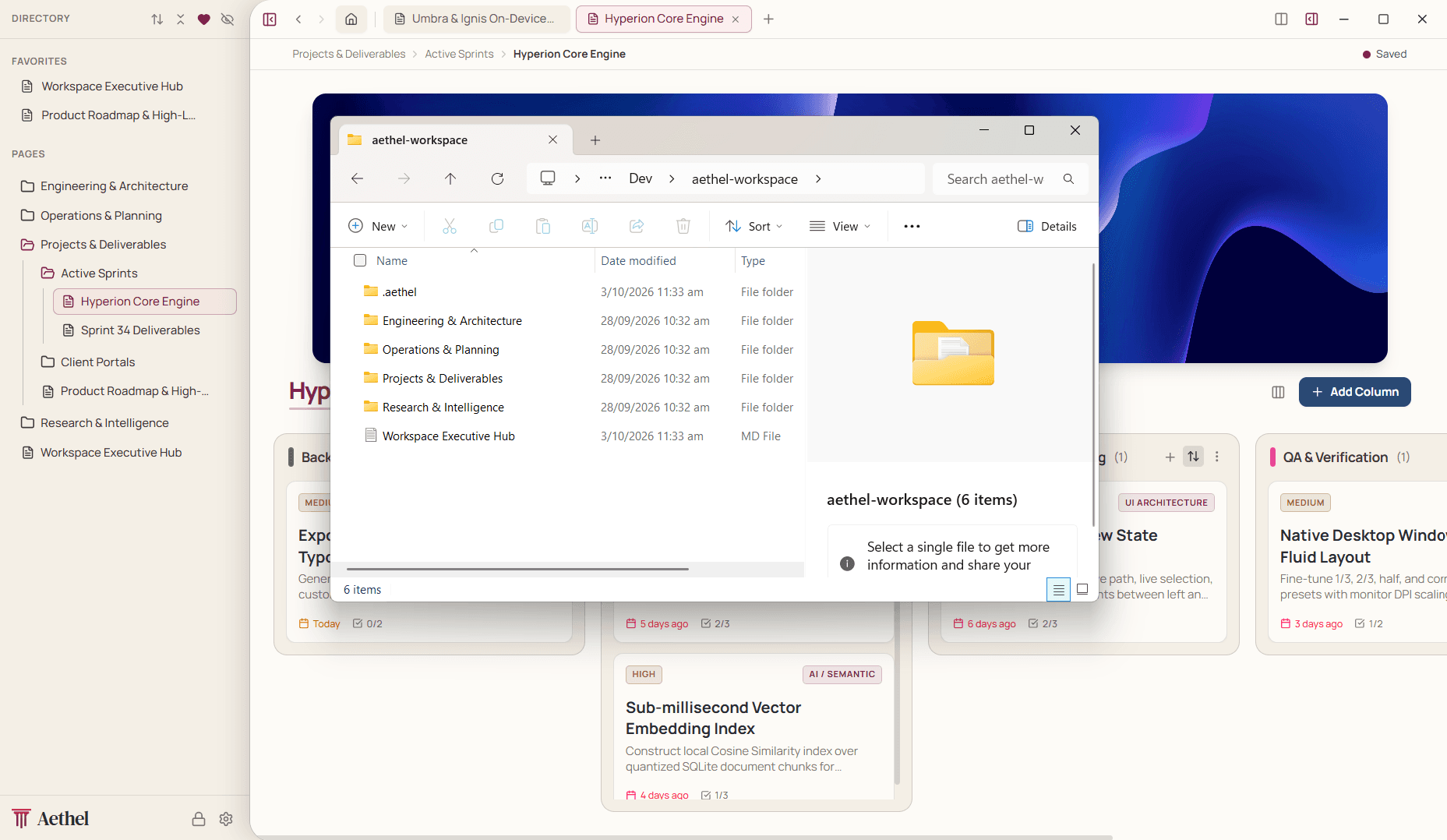
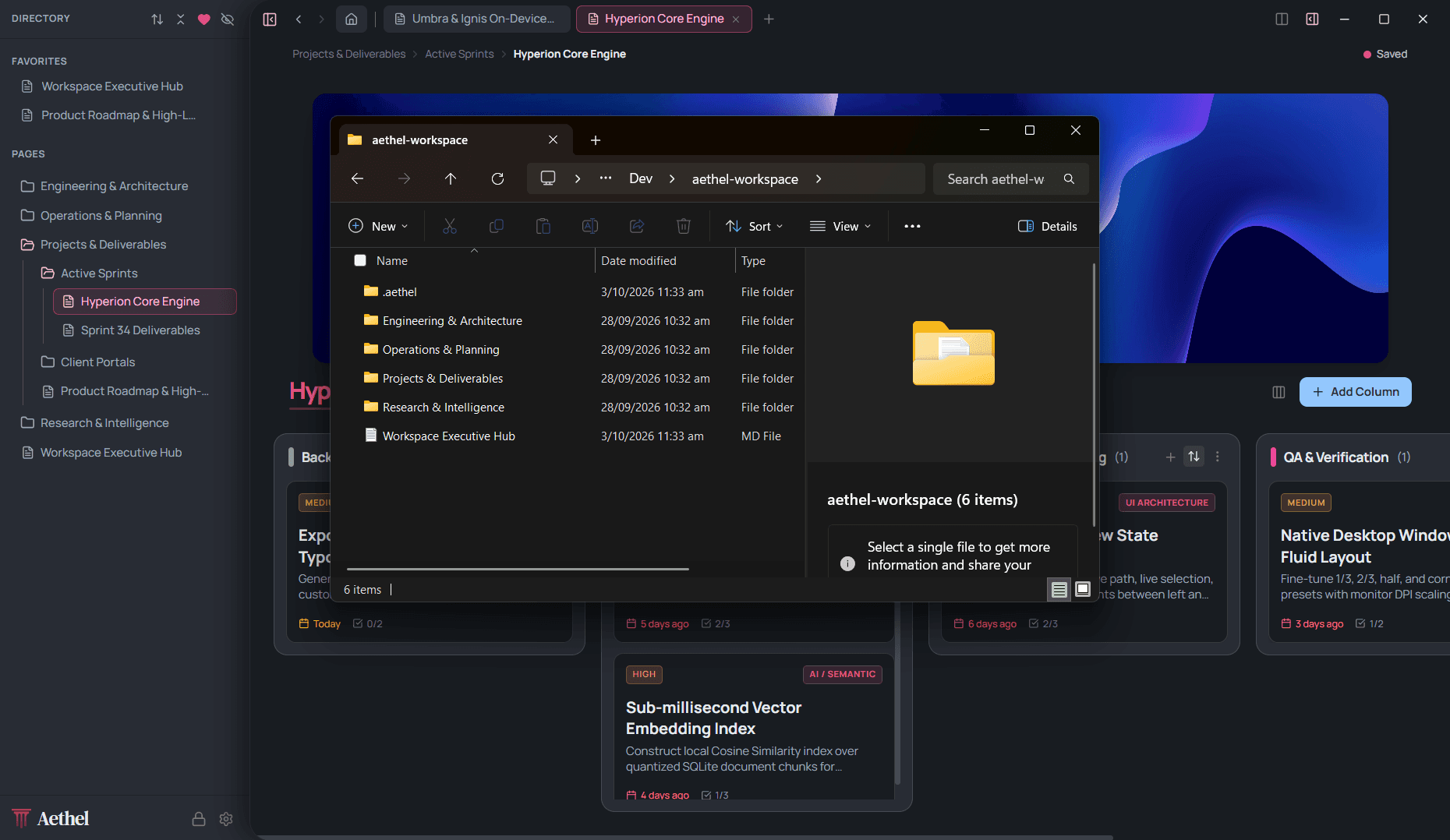
Privacy you can verify, not just take our word for.
New desktop software should earn your trust with transparent architecture, not vague promises. Your files stay on your hardware, and you control when the app goes online.
Zero Data on Our Servers
We never collect, scan, or store your notes, tasks, search queries, or passwords. Our servers only hold your email, license, and activated device platforms (macOS or Windows) so you can manage your seats.
Encrypted on Your Drive
Lock your Workspace locally with AES-256-GCM encryption and unlock it with Biometrics or your password. Importing existing notes only copies them, your original files are never moved or altered.
Offline Mode & Open to Inspection
Switch on Offline Mode anytime to stop Aethel from making outbound requests. Want to be sure? We invite you to verify our network activity yourself using any third-party monitor like Little Snitch or Wireshark.
What Actually Leaves Your Device?
Plain-English transparency · No hidden telemetryNever leaves your machine: Your documents, tasks, calendar events, search index, passwords, and usage analytics (there are none).
Only when online: License activation, device management, and checking for signed app updates, all pause when Offline Mode is enabled.
Your sync, your rules: Keep your Workspace strictly local, or place it inside your cloud storage provider including iCloud, Google Drive, and OneDrive.
Try Aethel with a copy of your notes, your originals stay untouched.
Test Aethel alongside your current setup with zero risk. Nothing is moved, modified, deleted, or uploaded.
Import From Obsidian, Logseq, or Notion
Point Aethel at an existing Obsidian vault, Logseq folder, or Notion export. It reads your files locally and imports a fresh copy, preserving your folders, links, and checklists in seconds.
Zero Lock-In, Live Markdown Mirrors
Aethel uses a fast local database under the hood for instant search and smooth performance, and can automatically keep plain, human-readable Markdown copies of your pages up to date on your drive.
Power when you want it, quiet when you don't.
Aethel stays calm and focused out of the box. When you want local AI, agent workflows, or raw native speed, it's already waiting under the hood.
Optional On-Device AI
Leave AI switched off completely, or run local Gemma models directly on your own hardware, zero cloud prompts, zero data sharing, and zero monthly AI credit fees.
Native MCP Support
Connect your Workspace to external tools like Claude or your preferred local CLI agents on your own terms, without ever uploading your notes to a third-party server.
Native Footprint, Zero Bloat
Engineered to sit lightly alongside IDEs and heavy apps, sub-second cold starts, low CPU cycles, and ~190MB idle RAM with no sluggish browser wrapper.
Built with Tauri v2 · Rust · Svelte 5 · SQLite
Frequently Asked Questions
Plain-English answers on privacy, safe importing, syncing, and licensing.
In the desktop app: none. Your notes, tasks, search index, and passwords stay strictly on your drive with zero analytics or telemetry. When you join the beta or buy a license on our website, our servers only hold your email, license, and activated device platforms (macOS or Windows) so you can manage your seats (Stripe handles payments). See our Privacy Policy for the full plain-English breakdown.
Comparing Aethel to Obsidian, Logseq, or Notion?
Read the side-by-side comparisonsBuilt by a solo developer tired of app juggling.
Hi, I'm Ryan, a developer in New Zealand building Aethel because I got tired of splitting university coursework and software projects across Obsidian, Monday, and Google Calendar, or waiting on slow web tabs over flaky Wi-Fi.
Aethel is currently in closed beta for macOS and Windows. If you have questions about what the installer does, how local storage works, or whether Aethel fits your workflow, use the form alongside this note or flick me an email directly, it goes straight to my inbox. Register for the closed beta.